 -43%
Comments (0)
DYMO LabelWriter 450 Twin Turbo — Two Rolls, 71 Labels a Minute, Zero Ink! $239.96 CAD (43% Off)
* As an Amazon Associate we earn from qualifying purchases. This does not affect the price you pay.
Amazon.ca has the DYMO LabelWriter 450 Twin Turbo thermal label printer for $239.96 CAD (list $419.08, 43% off). Prime members ship free; otherwise orders over $35 CAD qualify for free shipping.
If you ship online orders, file paperwork, or have a wall of storage bins to label, sheet labels through an inkjet are the annoying part: one at a time, peeling edges, jams, and ink you keep buying. This prints direct thermal — no ink, no toner, roll in, finished label out.
"Twin Turbo" means two label rolls loaded at once: an address roll and a shipping or file-folder roll, switchable in software without stopping to reload. It runs up to 71 four-line address labels a minute at 600 x 300 dpi, sharp enough for barcodes and shelf tags.

You can print addresses straight from contacts in Word, Excel or Outlook, and Google Contacts works too, which cuts a lot of copy-paste out of batch mailing. Connection is USB; DYMO lists compatibility with Windows 7 or later and macOS 10.8 or later.
Two caveats worth knowing before you order. The 450 series isn't DYMO's newest generation, so check driver support if your machine runs a very recent OS. And one 1-star review stands out — that buyer said they're on their third unit and they keep breaking. The overall 4.0 stars across 1,708 reviews is solid, but thermal printers do have a service life, so factor warranty into heavy commercial use.
The fit is clear: if you print dozens or hundreds of labels a month, the ink savings and the time you stop spending on reloads pay back the difference in a few months. If you print two labels a year, a $40 handheld label maker is the better buy.
📦 Product Images


Posted by Admin Posted
View More
 -27%
Canon PG-210XL & CL-211XL Genuine Ink Value Pack — 4.6★ From 1,000+ Reviews! $64.00 CAD (26% Off)
 -33%
Dreame Smart Door Handle — One-Step Unlock with NAVO A10 Lock, Aluminum! $39.99 CAD (32% Off)
 -62%
NEEWER Basics PA991 Selfie Stick Tripod — 147cm Aluminum, 10m Bluetooth Remote! $19.46 CAD (61% Off)
 -34%
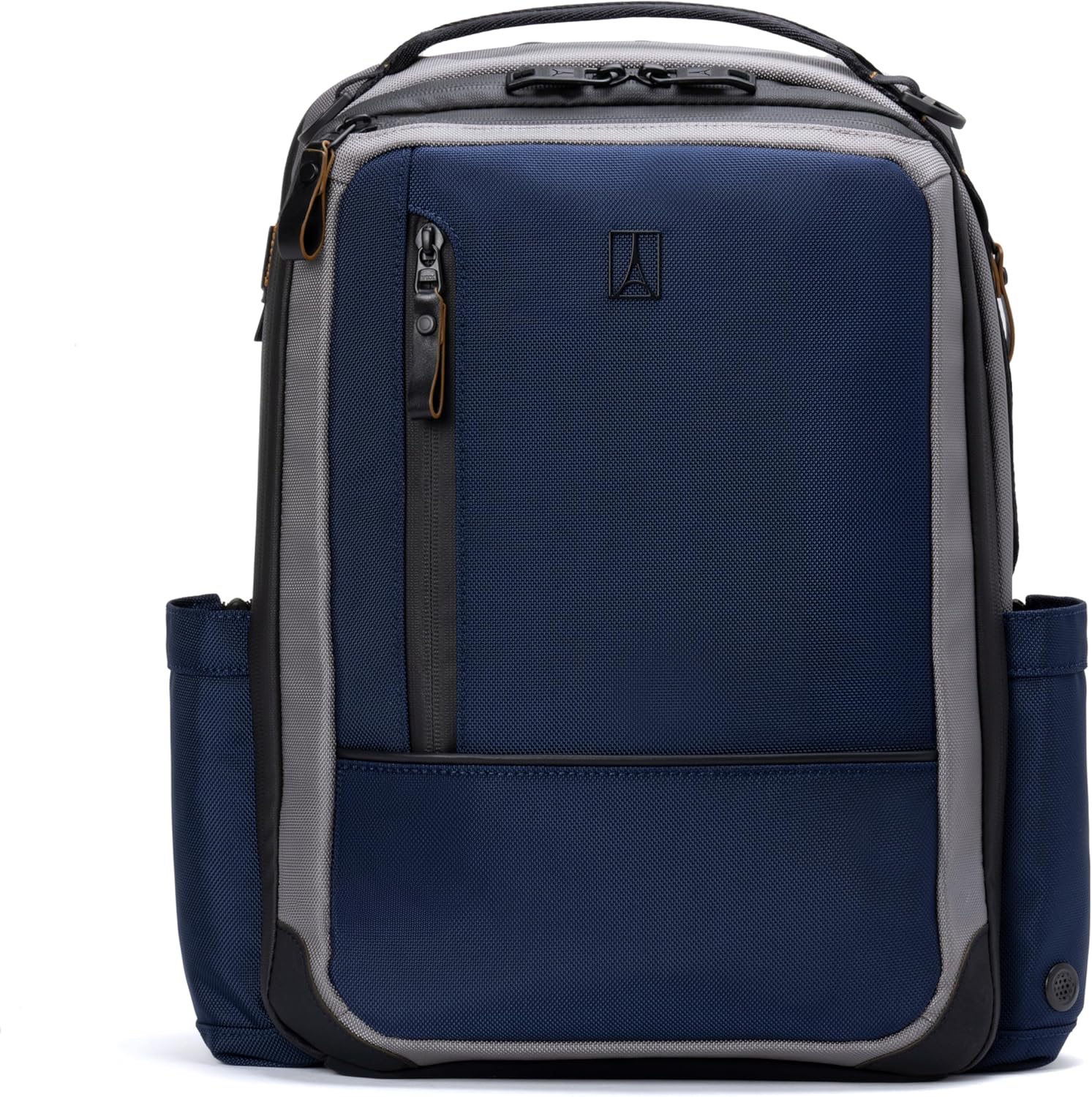
🎉 史新低!Travelpro Altitude 20-24L Laptop Backpack — Zips Open to 24L, Fits Under the Seat! $233.34 CAD (33% Off)
 Maple Express
 | November 7, 2026: Sister of Whitby Crash Victim Urges Harsher Impaired Driving Penalties
 Sports Express
 | November 7, 2026: Notre Dame Faces Must-Win Game vs. Miami After First CFP Rankings
-27%Canon PG-210XL & CL-211XL Genuine Ink Value Pack — 4.6★ From 1,000+ Reviews! $64.00 CAD (26% Off)
Amazon
-33%Dreame Smart Door Handle — One-Step Unlock with NAVO A10 Lock, Aluminum! $39.99 CAD (32% Off)
Amazon
-62%NEEWER Basics PA991 Selfie Stick Tripod — 147cm Aluminum, 10m Bluetooth Remote! $19.46 CAD (61% Off)
Amazon
-34%🎉 史新低!Travelpro Altitude 20-24L Laptop Backpack — Zips Open to 24L, Fits Under the Seat! $233.34 CAD (33% Off)
Amazon
Maple ExpressMaple Express | November 7, 2026: Sister of Whitby Crash Victim Urges Harsher Impaired Driving Penalties
Sports Express